Working with vim and YAML files in Kubernetes

Here is a video tutorial; continue reading for a list of written instructions. Exercises to complete: Create .vimrc file in user鈥檚 directory. Create a YAML template Copy YAML template and modify it Apply YAML file Display all pods Display detailed information about the created pod. Create .vimrc file in user鈥檚 directory. 1 vim .vimrc paste the below ...

September 1, 2023 路 4 min 路 842 words 路 sysadmin

Deleting pods in Kubernetes in Raspberry Pi CM4

Here is a video tutorial; continue reading for a list of written instructions. Exercises to complete: Delete all pods from default namespace. Create a namespace Get namespaces Create a pod in a given namespace Display all pods Delete all pods from a given namespace Delete all pods from default namespace. 1 2 3 4 # displays all pods in all namespaces kubectl get pods -A # The below command deletes pods in default namespace. kubectl delete pods --all Delete pods manually or create a namespace and delete pods from a defined namespace. ...

September 1, 2023 路 1 min 路 142 words 路 sysadmin

CrashLoopbackOff error in Kubernetes in Raspberry Pi CM4

Here is a video tutorial; continue reading for a list of written instructions. Exercises to complete: Create pods with Alpine and Ubuntu images. Use the watch command to watch the changes live. Check the architecture of machine Kubernetes runs on. Use multiarch image. Get into the container. Create a pod with Ubuntu image through yaml file with sleep command. Apply the YAML file. Observe changes. Set the Kubernetes policy. Create pods with Alpine and Ubuntu images 1 2 kubectl run alpine --image=alpine kubectl run ubuntu --image=ubuntu Use the watch command to watch the changes live. 1 watch kubetcl get pods Check the architecture of machine Kubernetes runs on 1 2 uname -a uname -m Use multiarch image 1 kubectl run multiarch --image=nginx:alpine Get into the container 1 2 kubectl exec --help kubectl exec -it multiarch -- /bin/ash or ...

September 1, 2023 路 2 min 路 292 words 路 sysadmin

Creating pods in Kubernetes in Raspberry Pi CM4

Here is a video tutorial; continue reading for a list of written instructions. Exercises to complete: Create pod. Create pod with different version of the image. Display pods. Use the watch command to watch the changes live. Create pod. Remember that pod鈥檚 name has to be unique. 1 kubectl run apache1 --image=httpd httpd is in fact apache web server ...

September 1, 2023 路 1 min 路 96 words 路 sysadmin

How to uninstall k3s and install it on worker nodes

I will walk you through the k3s installation and configuration steps in this article. Here is a video tutorial; continue reading for a list of written instructions. Exercises to complete: Remove k3s from worker node Remove properly worker node on a master node Install k3s on worker node Label a node Recover deleted worker nodes on master node Drain node and uncordone it Check node log Introduction I decided to install k3s on a Raspberry Pi CM4 IO board with Compute Module 4 and alos on two Raspberry Pis 4b with 8GB RAM. ...

August 30, 2023 路 2 min 路 412 words 路 sysadmin

How to install nginx as ingress controller for k3s

I will walk you through the NGINX ingress controller installation and configuration steps in this article. Here is a video tutorial; continue reading for a list of written instructions. Exercises to complete: install k3s securely without traefik and servicelb install nginx as ingress controller in k3s Check nodes and pods status Create a load balancer to expose NGINX ingress controller ports Create a namespace test Create an example for testing Test the configuration Copy k3s config file Change owner to user for k3s config file Install k9s Run k9s k9s usage explanation Check k3s services Check the example test application Install k3s securely without the traefik and servicelb 1 sudo curl -sfL https://get.k3s.io | INSTALL_K3S_EXEC="--disable traefik,servicelb" K3S_KUBECONFIG_MODE="644" sh - Add cgroup entries into the cmdline.txt 1 sudo vim /boot/cmdline.txt Add at the end of the line that starts with console= the below entries: 1 cgroup_memory=1 cgroup_enable=memory Save the file and exit. Reboot the server 1 sudo reboot What is NGINX ingress controller? See the documentation: NGINX ingress controller ...

August 20, 2023 路 4 min 路 700 words 路 sysadmin

How to uninstall k3s and install it securely without traefik

I will walk you through the k3s installation and configuration steps in this article. Here is a video tutorial; continue reading for a list of written instructions. Exercises to complete: Install k3s Remove traefik Install k3s without traefik Introduction I decided to install k3s on a Raspberry Pi CM4 IO board with Compute Module 4 to show that it is possible to run a single-node cluster. ...

August 20, 2023 路 2 min 路 336 words 路 sysadmin

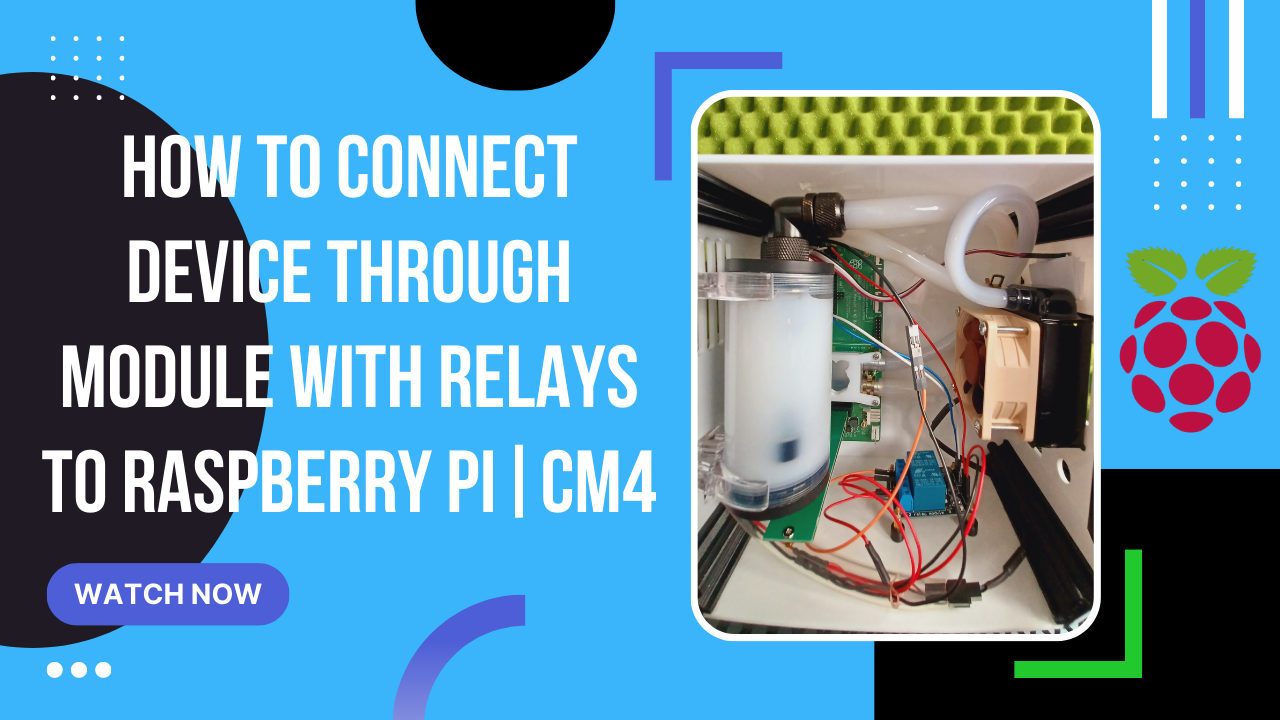
How to connect device through module with relays to Raspberry Pi or CM4 IO board

I will walk you through the installation and configuration steps in this article so you can use the same module with relays to connect it with Raspberry Pi or CM4 IO board. Here is a video tutorial; continue reading for a list of written instructions. What You Need For This Tutorial Raspberry Pi 4 or CM4 IO board with Compute Module 4 Micro SD Card or eMMC or NVMe/SSD drive Power Supply aprropriate for a Raspberry Pi or CM4 IO board. Module with two relays Power supply for the module with relays 3 female to female jumper cables 2 female to male jumper cables 7 male to male jumper cables Exercises to complete: Connect wiring according to schema between module with relays and Raspberry Pi / CM4 IO board. Use a Python script to test the module with relays. Check does the module work as expected. Introduction I decided to connect the pump and fan using a module with two relays in order to control them simply because controlling the 5V pump is not possible because it is not a PWM device, and controlling solely the Noctua 5V fan with PWM didn鈥檛 make much sense to me. When the temperature rises above a predetermined threshold (for instance, 50 degrees Celsius), I wanted both devices to turn on, and I wanted them to turn off when the temperature falls below the predetermined threshold. ...
August 1, 2023 路 7 min 路 1450 words 路 sysadmin

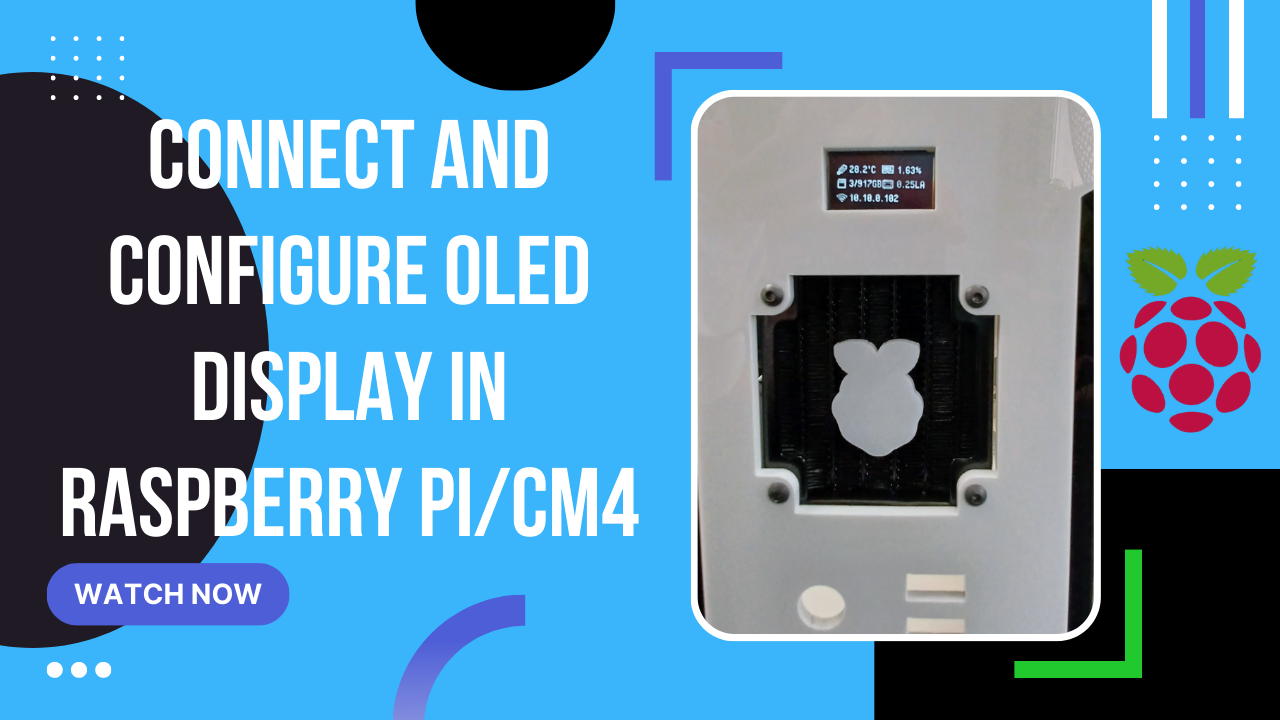
Connect and configure OLED display in Raspberry Pi or CM4

Exercises to complete: Connect OLED using female to female pins according to the GPIO Install the required software and configure OLED Run the stats.py script Enable and disable OLED via Bash scripts The OLED Stats Display for the Raspberry Pi OS - Debian 11 Bullseye I will walk you through the installation and configuration steps in this article so you can use the same 12864 I2C OLED display with Raspberry Pi OS Bullseye. ...

July 27, 2023 路 8 min 路 1592 words 路 sysadmin

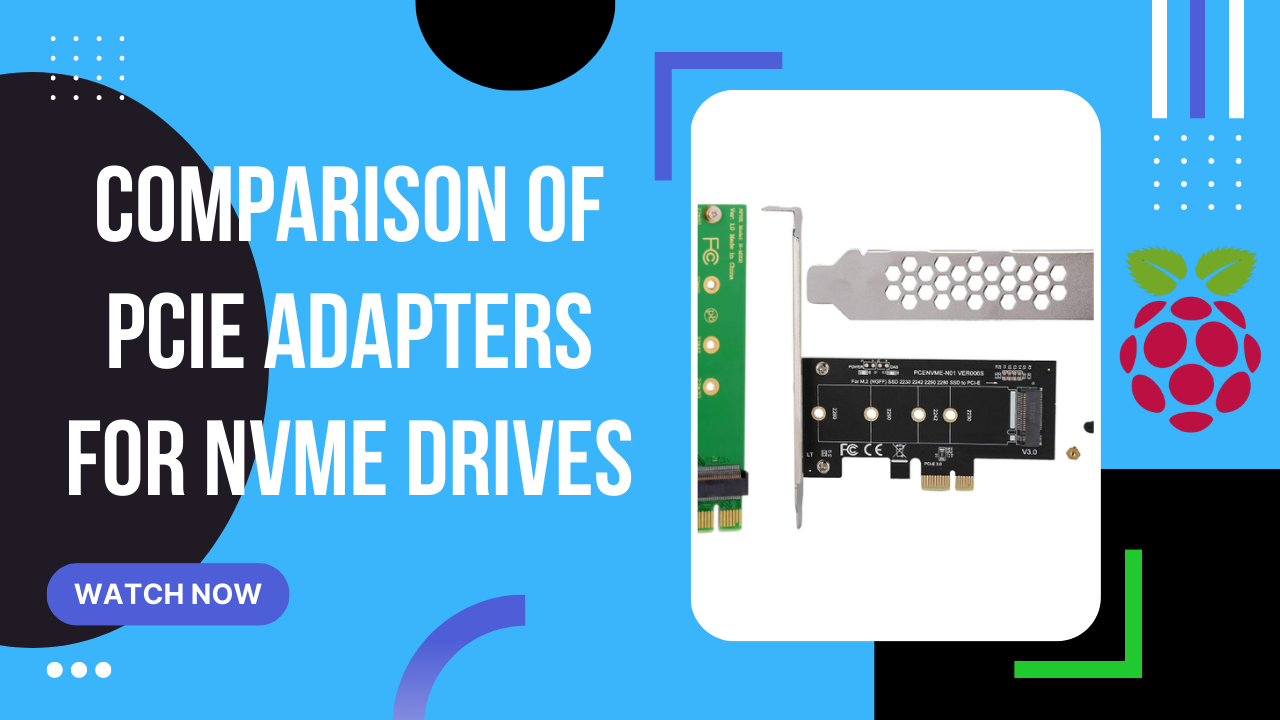
Comparison of PCIe adapters for NVMe drives

July 26, 2023 路 0 min 路 0 words 路 sysadmin