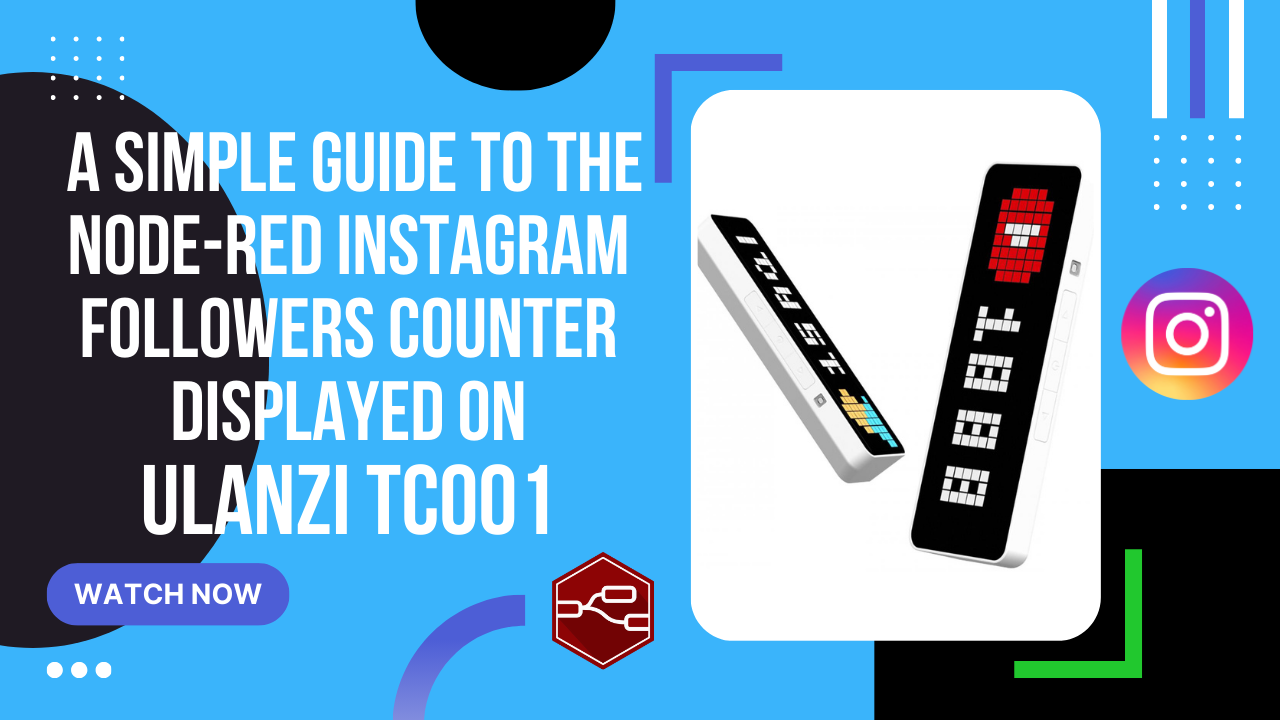
Prosty przewodnik po liczniku obserwujących na Instagramie w Node-RED wyświetlanym na Ulanzi TC001
Otwórz Node-RED Zaimportuj poniższy przepływ Schemat licznika obserwujących na Instagramie w Node-RED 1 2 3 4 5 6 7 8 9 10 11 12 13 14 15 16 17 18 19 20 21 22 23 24 25 26 27 28 29 30 31 32 33 34 35 36 37 38 39 40 41 42 43 44 45 46 47 48 49 50 51 52 53 54 55 56 57 58 59 60 61 62 63 64 65 66 67 68 69 70 71 72 73 74 75 76 77 78 79 80 81 82 83 84 85 86 87 88 89 90 91 92 93 94 95 96 97 98 99 100 101 102 103 104 105 106 107 108 109 110 111 112 113 114 115 116 117 118 119 120 121 122 123 124 125 126 127 128 129 130 131 132 133 134 135 136 137 138 139 140 141 142 143 144 145 146 147 148 149 150 151 152 153 154 155 156 [ { "id": "8b28f036a227d636", "type": "group", "z": "e9b8998ad5b3fa7d", "name": "", "style": { "label": true }, "nodes": [ "49ae0cc4d71fd031", "66c430817f82be55", "7f41a9f67a7b1e70", "74be1866413b2aa6", "34f297b864caf6db" ], "x": 194, "y": 159, "w": 832, "h": 122 }, { "id": "49ae0cc4d71fd031", "type": "inject", "z": "e9b8998ad5b3fa7d", "g": "8b28f036a227d636", "name": "Every 12 hours", "props": [], "repeat": "43200", "crontab": "", "once": false, "onceDelay": "2", "topic": "", "x": 320, "y": 240, "wires": [ [ "66c430817f82be55" ] ] }, { "id": "66c430817f82be55", "type": "http request", "z": "e9b8998ad5b3fa7d", "g": "8b28f036a227d636", "name": "", "method": "GET", "ret": "obj", "paytoqs": "query", "url": "https://i.instagram.com/api/v1/users/web_profile_info/?username=sysadmin.info.pl", "tls": "", "persist": false, "proxy": "", "insecureHTTPParser": false, "authType": "", "senderr": false, "headers": [ { "keyType": "other", "keyValue": "user-agent", "valueType": "other", "valueValue": "Instagram 76.0.0.15.395 Android (24/7.0; 640dpi; 1440x2560; samsung; SM-G930F; herolte; samsungexynos8890; en_US; 138226743)" } ], "x": 490, "y": 240, "wires": [ [ "7f41a9f67a7b1e70" ] ] }, { "id": "7f41a9f67a7b1e70", "type": "function", "z": "e9b8998ad5b3fa7d", "g": "8b28f036a227d636", "name": "parser", "func": "// Store the incoming message payload in a variable 'json'.\nvar json = msg.payload;\n\n// Check if 'json' and the nested properties 'json.data.user.edge_followed_by' exist.\n// This is to ensure that the specific structure is present in the payload.\nif (json && json.data && json.data.user && json.data.user.edge_followed_by) {\n // Extract the subscriber count from the nested JSON structure.\n var subscriberCount = json.data.user.edge_followed_by.count;\n\n // Modify the message payload to include the subscriber count and additional properties.\n // Here, three properties are set:\n // 'text': a string representation of the subscriber count.\n // 'icon': a static string indicating the icon to be used, in this case, 'instagram'.\n // 'duration': a static value indicating the duration, set to 10 seconds.\n msg.payload = {\n \"text\": subscriberCount.toString(), // Convert the subscriber count to a string.\n \"icon\": \"instagram\", // Set the icon property to 'instagram'.\n \"duration\": 10 // Set the duration property to 10 seconds.\n };\n} else {\n // This block executes if the expected data structure is not present in the payload.\n // It sets the payload to a predefined object indicating that data is not available.\n msg.payload = { \"text\": \"Data not available\" };\n}\n\n// Return the modified message object.\n// This is essential for the function node to pass the message to the next node in the flow.\nreturn msg;", "outputs": 1, "timeout": "", "noerr": 0, "initialize": "", "finalize": "", "libs": [], "x": 630, "y": 240, "wires": [ [ "74be1866413b2aa6" ] ] }, { "id": "74be1866413b2aa6", "type": "mqtt out", "z": "e9b8998ad5b3fa7d", "g": "8b28f036a227d636", "name": "", "topic": "awtrix_b6d76c/custom/instagram", "qos": "", "retain": "", "respTopic": "", "contentType": "", "userProps": "", "correl": "", "expiry": "", "broker": "346df2a95aac5785", "x": 860, "y": 240, "wires": [] }, { "id": "34f297b864caf6db", "type": "comment", "z": "e9b8998ad5b3fa7d", "g": "8b28f036a227d636", "name": "Instagram", "info": "ATTENTION:\nTrigger this node as rarely as possible!\nChange your username in the http request node URL", "x": 300, "y": 200, "wires": [] }, { "id": "346df2a95aac5785", "type": "mqtt-broker", "name": "MQTT HA Broker", "broker": "10.10.0.100", "port": "1883", "clientid": "", "autoConnect": true, "usetls": false, "protocolVersion": "4", "keepalive": "60", "cleansession": true, "autoUnsubscribe": true, "birthTopic": "awtrix_b6d76c", "birthQos": "2", "birthRetain": "true", "birthPayload": "", "birthMsg": {}, "closeTopic": "awtrix_b6d76c", "closeQos": "2", "closeRetain": "true", "closePayload": "", "closeMsg": {}, "willTopic": "awtrix_b6d76c", "willQos": "2", "willRetain": "true", "willPayload": "", "willMsg": {}, "userProps": "", "sessionExpiry": "" } ] Zmień swoją nazwę użytkownika w adresie URL węzła żądania HTTP Zmień adres IP swojego brokera MQTT Zmień prefiks w temacie (zobacz film, aby dowiedzieć się, o czym mówię) Pobierz ikonę Instagram stąd: Instagram icon Prześlij ikonę do urządzenia Ulanzi za pośrednictwem pulpitu nawigacyjnego. (Zobacz wideo). Wdróż (deploy) schemat. Uruchom węzeł inject jeden raz. Uruchamiaj ten węzeł jak najrzadziej! Czasomierz jest ustawiony na pobieranie danych co 12 godzin.