What is a pod in Kubernetes?

Here is a short video; continue reading to find out more. In the context of Kubernetes, a pod can be thought of as the smallest deployable unit, much like a single apartment within a large apartment building. (The rest of the article is under the image.) ...
January 6, 2024 路 1 min 路 180 words 路 sysadmin

What is Kubernetes?

Here is a short video; continue reading to find out more. Imagine Kubernetes as a powerful and efficient system designed to manage containerized applications across a cluster of machines. In simpler terms, Kubernetes is like a highly skilled conductor orchestrating a large and diverse group of musicians (containers) to perform in harmony. (The rest of the article is under the image.) ...
January 6, 2024 路 2 min 路 216 words 路 sysadmin

How to deploy n8n in Kubernetes - k3s

How to deploy n8n in Kubernetes - k3s Quick implementation: Install git 1 sudo apt install git Clone the repository 1 git clone https://github.com/sysadmin-info/n8n-k3s.git Enter the directory 1 cd n8n-k3s Deploy n8n in k3s 1 kubectl apply -f . The article details setting up n8n, a workflow automation solution, on Kubernetes. It focuses on the use of YAML files for Kubernetes deployment. ...

December 29, 2023 路 11 min 路 2205 words 路 sysadmin

How to install n8n and run it during boot thanks systemd unit

Create a file: 1 touch n8n-install.sh Put the below content into the file: 1 2 3 4 5 6 7 8 9 10 11 12 13 14 15 16 17 18 19 20 21 22 23 24 25 26 27 28 29 30 31 32 33 34 35 36 37 38 39 40 41 42 43 44 45 46 47 48 49 50 51 52 53 54 55 56 57 58 59 60 61 62 63 64 65 66 67 68 69 70 71 72 73 74 75 76 77 78 79 80 81 82 83 84 85 86 87 88 89 90 91 92 93 94 95 96 97 98 99 100 101 102 103 104 105 106 107 108 109 110 111 112 113 114 115 116 117 118 119 120 121 122 123 124 125 126 127 128 129 130 131 132 133 134 135 136 137 138 139 140 141 142 143 144 145 146 147 148 149 150 151 152 153 #!/bin/bash -e log() { echo "[$(date +'%Y-%m-%d %H:%M:%S')]: $*" } # Function to display spinner display_spinner() { local pid=$1 local spin='-\|/' log "Loading..." while [ "$(ps a | awk '{print $1}' | grep $pid)" ]; do local temp=${spin#?} printf "\r [%c]" "$spin" local spin=$temp${spin%"$temp"} sleep 0.1 done printf "\r" } row=2 col=2 countdown() { msg="Wait 30 seconds for n8n ${1}..." clear tput cup $row $col echo -n "$msg" l=${#msg} l=$(( l+$col )) for i in {30..1} do tput cup $row $l echo -n "$i" sleep 1 done } execute_command() { local cmd="$*" log "Executing: $cmd" bash -c "$cmd" & display_spinner $! } error_exit() { log "$1" exit 1 } check_root(){ echo "This quick installer script requires root privileges." echo "Checking..." if [[ $(/usr/bin/id -u) -ne 0 ]]; then echo "Not running as root" exit 0 else echo "Installation continues" fi SUDO= if [ "$UID" != "0" ]; then if [ -e /usr/bin/sudo -o -e /bin/sudo ]; then SUDO=sudo else echo "*** This quick installer script requires root privileges." exit 0 fi fi } update_upgrade(){ echo 'updating system' sudo apt update sudo apt upgrade -y } check_packages(){ if [[ $(command -v build-essential) ]]; then echo "build-essential already installed" else sudo apt install build-essential -y fi if [[ $(command -v python3) ]]; then echo "python3 already installed" else sudo apt install python3 -y fi if [[ $(command -v nodejs) ]]; then echo "nodejs already installed" else sudo apt install nodejs -y fi if [[ $(command -v npm) ]]; then echo "npm already installed" else sudo apt install npm -y fi } install_n8n(){ execute_command "echo 'install n8n globally'" npm install n8n -g } adding_systemd_entry(){ echo 'adding systemd entry' sudo cat > /etc/systemd/system/n8n.service <<EOF [Unit] Description=n8n - Easily automate tasks across different services. After=network.target [Service] Type=simple User=adrian ExecStart=/usr/local/bin/n8n start --tunnel Restart=on-failure [Install] WantedBy=multi-user.target Alias=n8n.service EOF } n8n_service(){ echo 'reloading, enabling on boot and starting n8n' sudo systemctl daemon-reload sudo systemctl enable n8n sudo systemctl start n8n } n8n_status(){ systemctl status n8n.service } main(){ check_root update_upgrade check_packages install_n8n adding_systemd_entry n8n_service countdown n8n_status } main Save and exit. ...

December 21, 2023 路 3 min 路 566 words 路 sysadmin

How to fix Rudder error while attempting send and run n8n during boot

How to solve the below problem: [Rudder] error: got error while attempting send for 3 times, dropping 3 events By default, a self-hosted n8n instance sends data to n8n鈥檚 servers. This allows n8n to send users notifications about available updates, allows access to workflow templates, and provides n8n with diagnostic information. ...

December 19, 2023 路 2 min 路 253 words 路 sysadmin

How to install and use n8n to deploy pre-made flows

Install nala in Debian 12 1 sudo apt install nala -y Install nodejs and npm 1 2 3 sudo nala install nodejs npm -y # or sudo apt install nodejs npm -y Check versions 1 2 nodejs --version npm --version Run n8n 1 npx n8n To run n8n in the background install screen 1 sudo nala install screen -y Run screen 1 screen Run n8n 1 npx n8n Detach screen session with the below combination: ctrl+a and ctrl+d #to detach Reattach screen session with the below command: 1 screen -r Check the IP address of the machine where n8n is running with the below command: 1 hostname -I Login in your web browser using the URL schema: http://IP_addresss:5678 (5678 is a port). ...

December 15, 2023 路 1 min 路 137 words 路 sysadmin

How to solve error loading credentials Syntax Error Unexpected token in JSON at position 0 in Node-RED

To solve the problem 1 [warn] Error loading credentials: SyntaxError: Unexpected token in JSON at position 0 that in fact blocks refreshing information on the Ulanzi鈥檚 TC001 Smart Pixel Clock screen, you have to follow the below steps. Of course if you are using a standalone Node-RED instance instaed of the Home Assistant Addon you can just login to your instance and perform mentioned commands. ...

December 15, 2023 路 1 min 路 159 words 路 sysadmin

How to solve JSON parser error in Node-RED pre-made flow with animations

Import to Node-RED the flow from here: Random Effects/Animations Flow Change in AwtrixUlanzi/CustomApp flow a parsed json object to UTF-8 string. Deploy Problem solved

December 9, 2023 路 1 min 路 24 words 路 sysadmin

Node-RED Installation and Configuration and How to work with pre-made flows

Setting Up Node-RED: Install Node-RED add-on in Home Assistant. Configure Node-RED integration with MQTT in Home Assistant. Open Node-RED Import the flow from AWTRIX Flows into Node-RED Configure flow get YouTube ID from your channel get the API Key from Google Developer Console Click publish and check that the text is visible on Ulanzi TC001 Smart Pixel Clock. Watch the video to find out how to perform each step. You can pick up icons from this website: icons - see the video tutorial to find out how to make it work.

December 9, 2023 路 1 min 路 91 words 路 sysadmin

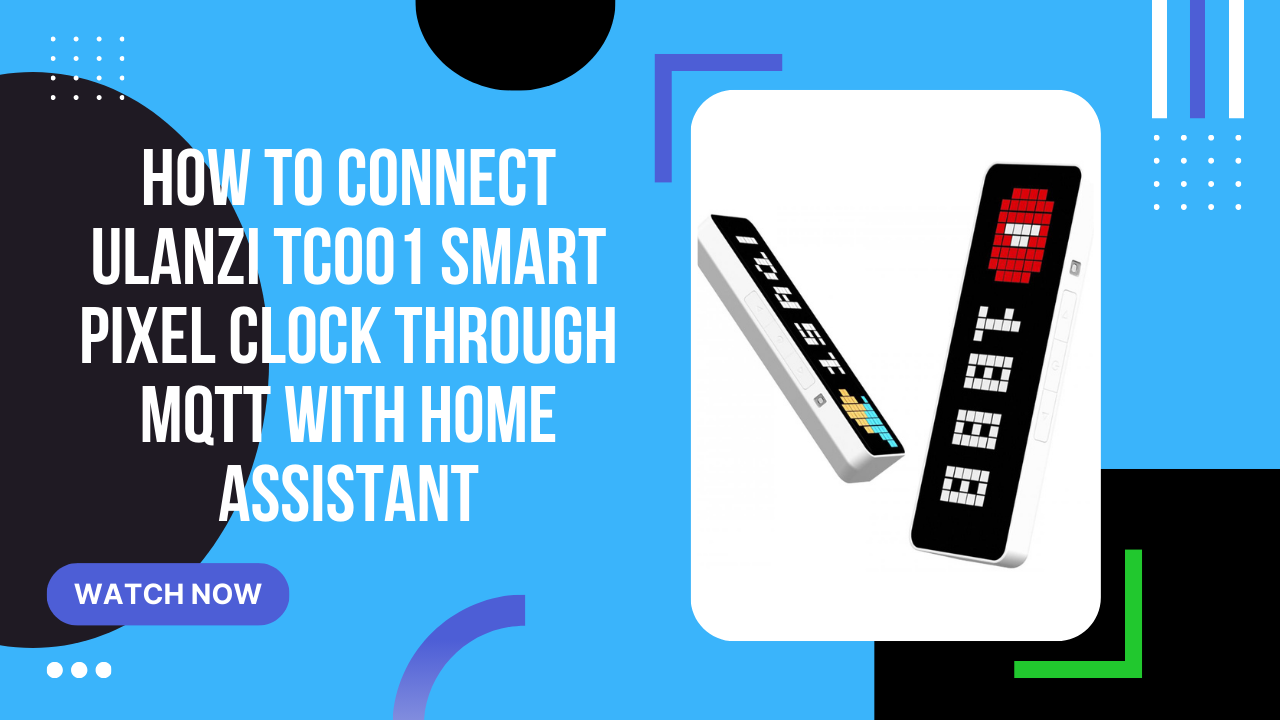
How to connect Ulanzi TC001 Smart Pixel Clock through MQTT with Home Assistant

Setting Up MQTT Communication: Install MQTT add-on in Home Assistant. Configure MQTT integration in Home Assistant. Create a user for the MQTT add-on (MQTT broker) in Home Assistant. eg. mqtt-user Add user for the MQTT on Ulanzi TC001 Smart Pixel Clock in the Auth section. Prepare a simple payload for communication with the Ulanzi device in MQTT Mosquito addon. 1 2 3 4 5 6 { "text": "Hello, Sysadmin!", "icon": "1", "rainbow": true, "duration": 10 } Click publish and check that the text is visible on Ulanzi TC001 Smart Pixel Clock. Unfortunatelly this is not a permanent solution.

December 8, 2023 路 1 min 路 98 words 路 sysadmin